Overview
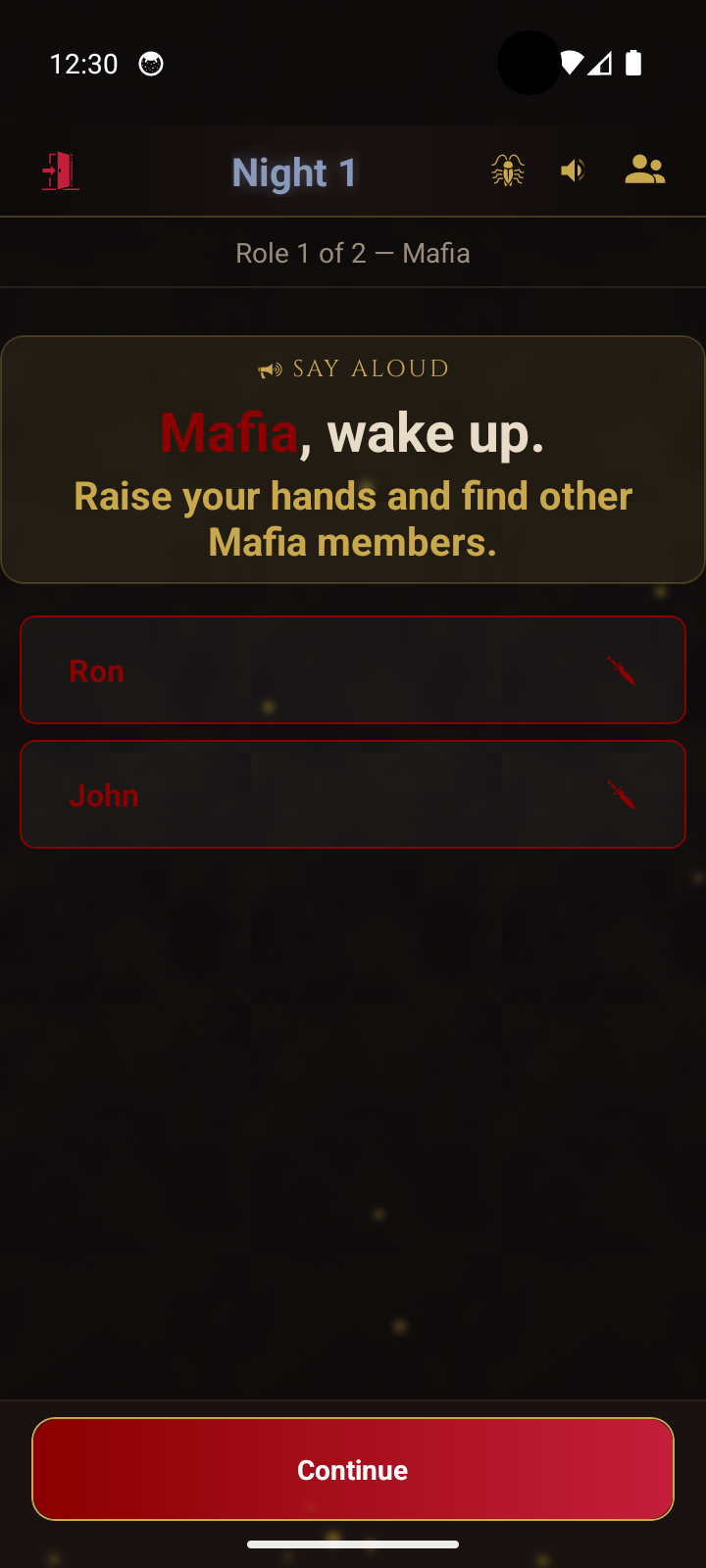
The moderator holds a single phone and runs the game. The app replaces the rulebook - it assigns roles, guides each night phase, and tells the moderator what to announce. Results are shared through gestures or by showing the screen.
Getting Started
One phone, one moderator. The app tracks everything - just follow the prompts.
The moderator holds a single phone and runs the game. The app replaces the rulebook - it assigns roles, guides each night phase, and tells the moderator what to announce. Results are shared through gestures or by showing the screen.
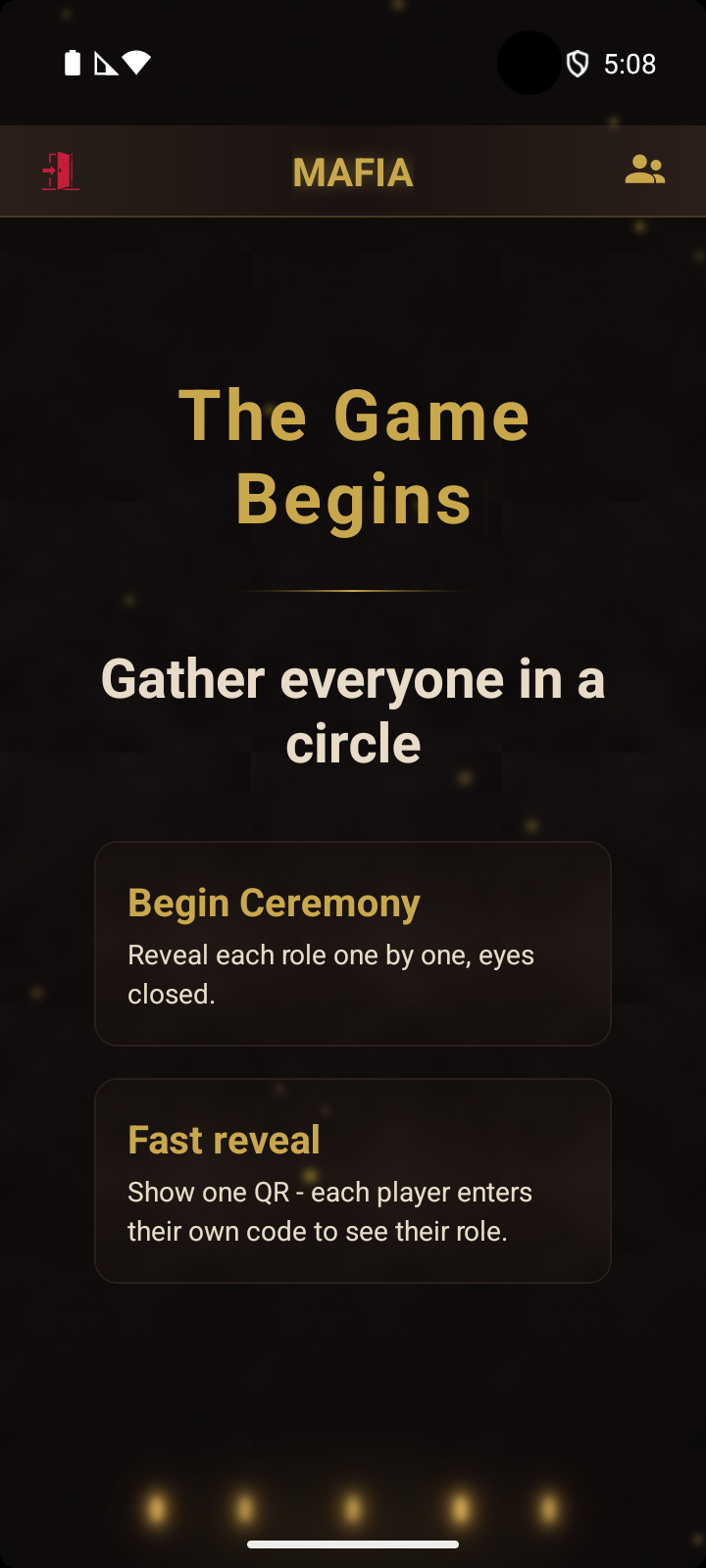
Two ways to show players their role - pick whichever fits the table.
The moderator's phone calls each player by name and shows their role card on the moderator's screen. The player looks at the moderator's phone, or - if they prefer - taps the small QR icon at the bottom of the card to scan a personal QR and see the same card on their own phone.
The moderator's screen shows one QR plus a 3-character code per seat. Players scan once, type their code, and see their card on their own phone - simultaneously, no waiting. Both modes show a "Roles in this game" button on the card - tap it to see every role the moderator put in the pool, without spoiling who has what.
Live 5-player sample. Scan it from another phone, or tap to open on this one, then enter any of the codes below.
Roles can change mid-game - the host shows the player a new QR to scan from their role card.
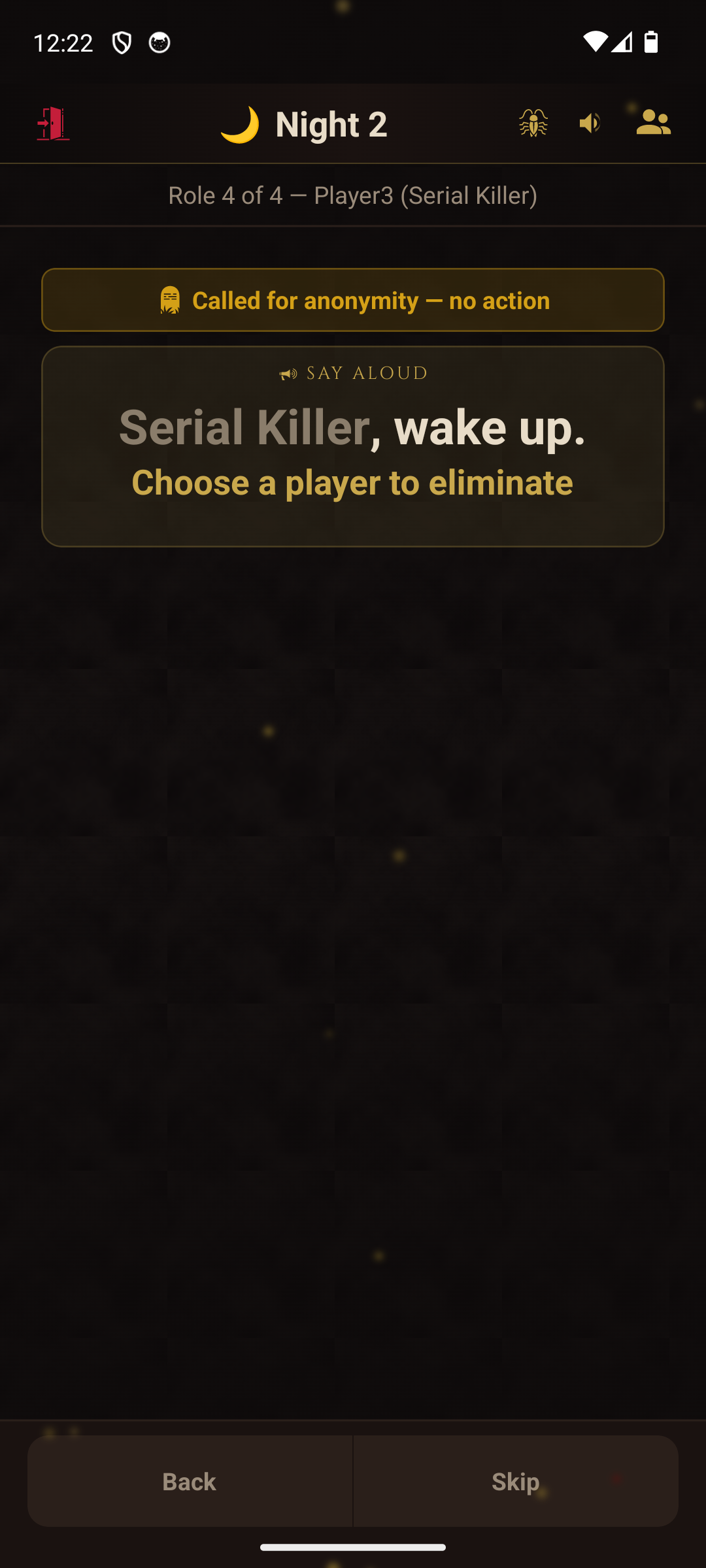
Dead and cult-converted players are still called at night if their role is unknown - so no one can deduce eliminations from changes in the wake order. Revealed roles are automatically skipped.
Both modes are for playing in the same room, with the same roles and rules. Pick by what your group needs:
The rulebook covers night wake order, win conditions, parity, and stalemate.